Until free shipping left €99.99


Product code: 1311599
Available quantity 6
| Manufacturer: | J5,J5create |
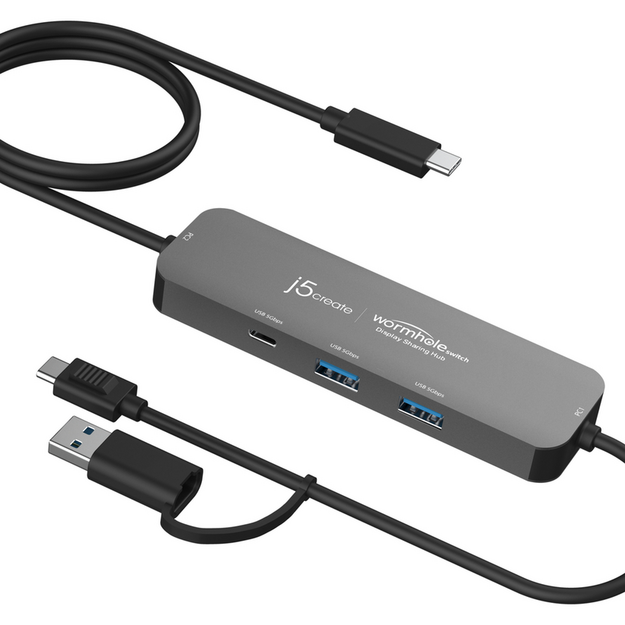
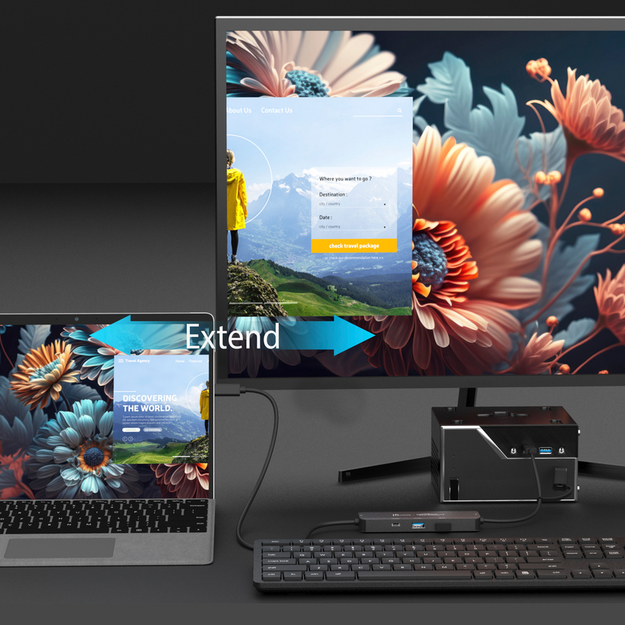
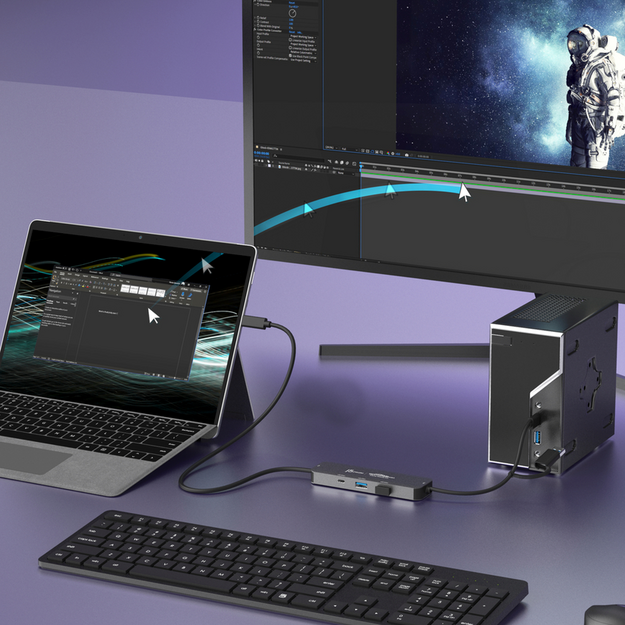
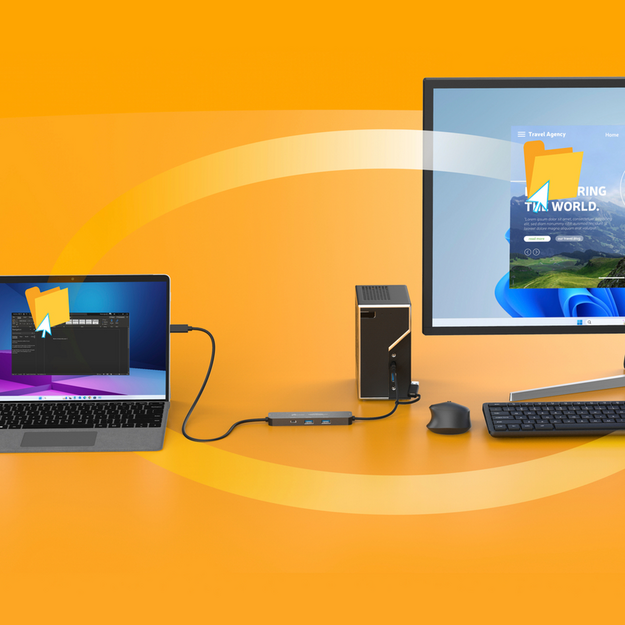
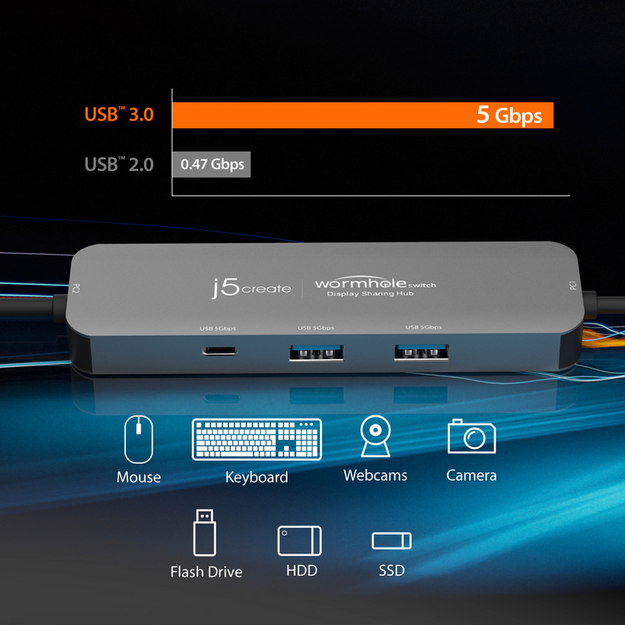
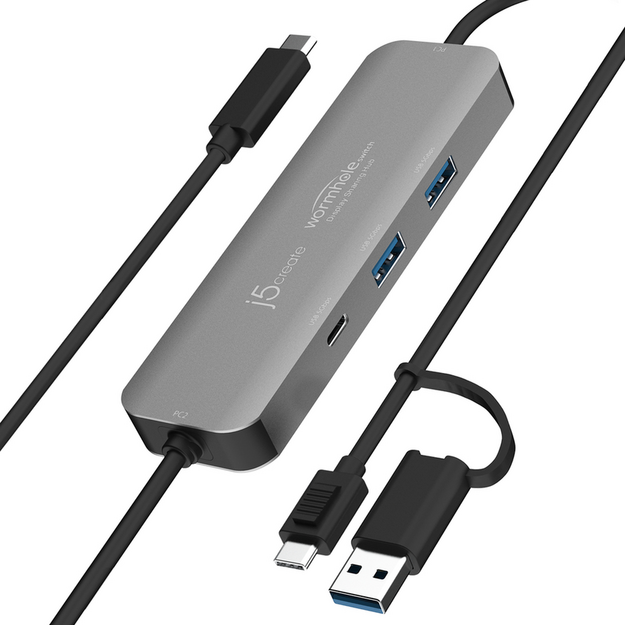
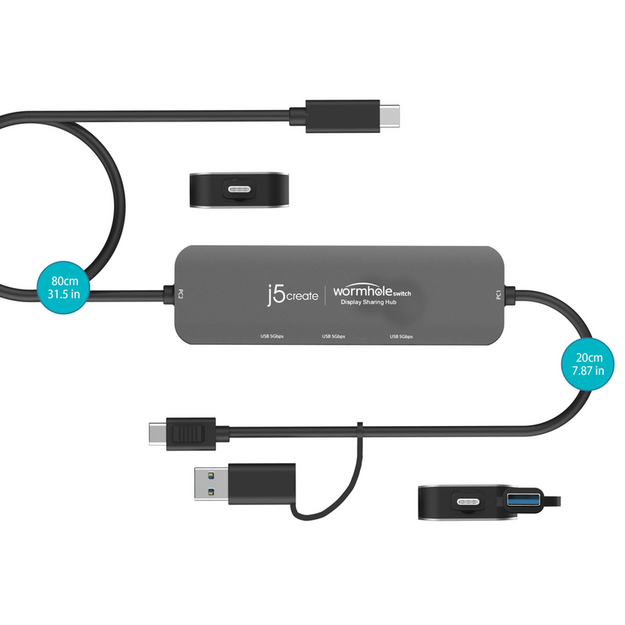
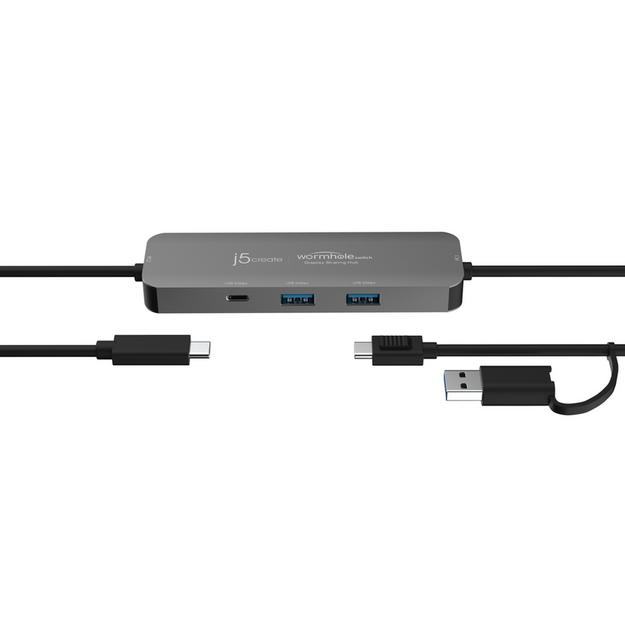
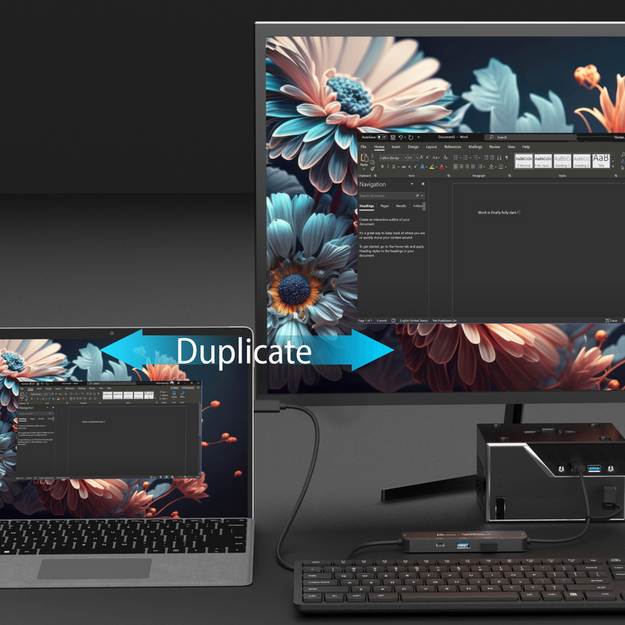
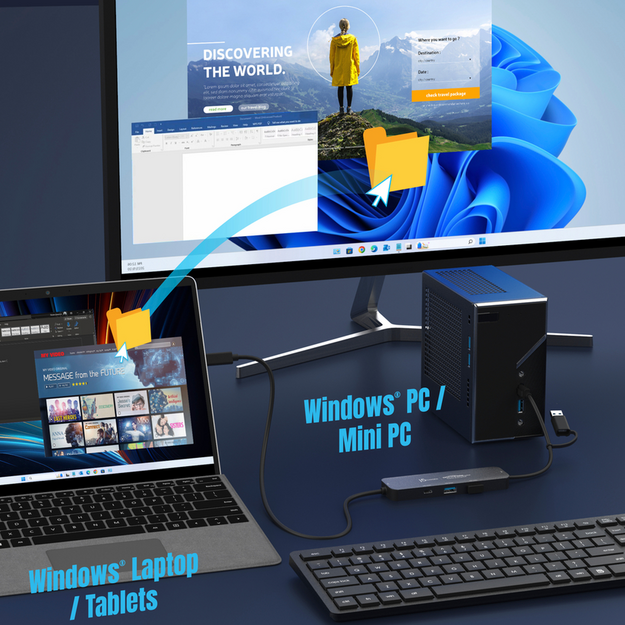
The Wormhole Switch™ Display Sharing Hub is the ultimate productivity tool for professionals working across two Windows® computers. With built-in KM (Keyboard & Mouse) functionality, you can seamlessly control both devices using a single keyboard and mouse, making multitasking effortless. File sharing is simplified with drag-and-drop or copy-and-paste, allowing easy transfer of documents, media files, and more. This hub also supports screen sharing, enabling you to extend or duplicate displays between two Windows® devices. When paired with a touchscreen tablet, it enhances your workflow with virtual multi-touch, Windows® gestures, and stylus pen support. The movable and resizable Picture-in-Picture (PIP) window in Duplicate mode makes screen management intuitive, while Extended mode automatically rotates and resizes the screen to match your Windows® tablet orientation. Equipped with two USB™ Type-A 5 Gbps ports and one USB-C® 5 Gbps port for connecting peripherals (USB ports work with PC1 host), the Wormhole Switch™ allows you to expand your connectivity options easily. It’s the ideal all-in-one solution for engineers, designers, creators, and anyone managing two Windows® computers. Key Features: Share screen, files, keyboard, mouse, and clipboard between two Windows® computers Supports Duplicate and Extend modes with virtual second display Movable and resizable Picture-in-Picture (PIP) window in Duplicate mode Simplified file sharing via drag-and-drop or copy-and-paste Supports virtual multi-touch, Windows® gestures, and stylus pen on touchscreen tablets Automatic screen rotation and resizing in Extended mode with tablet Two USB™ Type-A 5 Gbps ports and one USB-C® 5 Gbps port for peripherals (PC1 host only) Expand additional USB™ Type-A ports to your laptop Ideal for engineers, designers, content creators, and dual-PC professionals